
Webhooks: send CostGuard alerts to your own tools
How to register a destination, keep its signing secret, check each delivery and switch a destination off, and which events CostGuard sends.
What this page is for
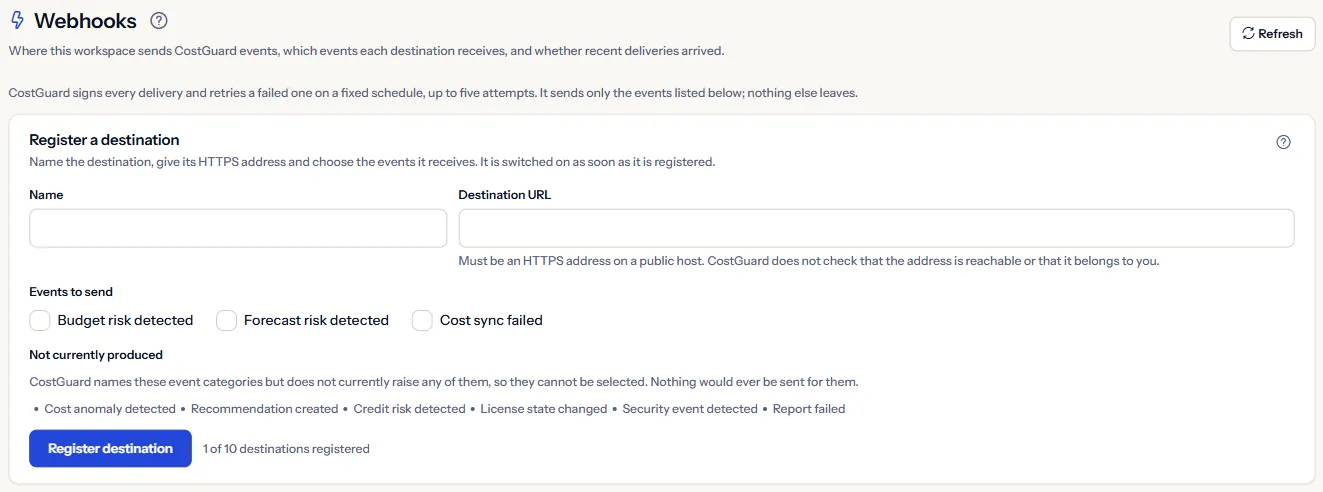
Webhooks sends the workspace's alerts to systems you run, such as a chat bot, an incident tool or your own service. The page answers which destinations get which events, and whether recent deliveries arrived.
CostGuard signs every delivery and retries a failed one on a fixed schedule, up to five attempts. It sends only the events listed below; nothing else leaves.
Before you start
You need:
- The Pro or Enterprise plan; other plans see a labelled sample.
- An HTTPS address on a public host that accepts a POST request and checks the signature before it trusts the request.
Register a destination
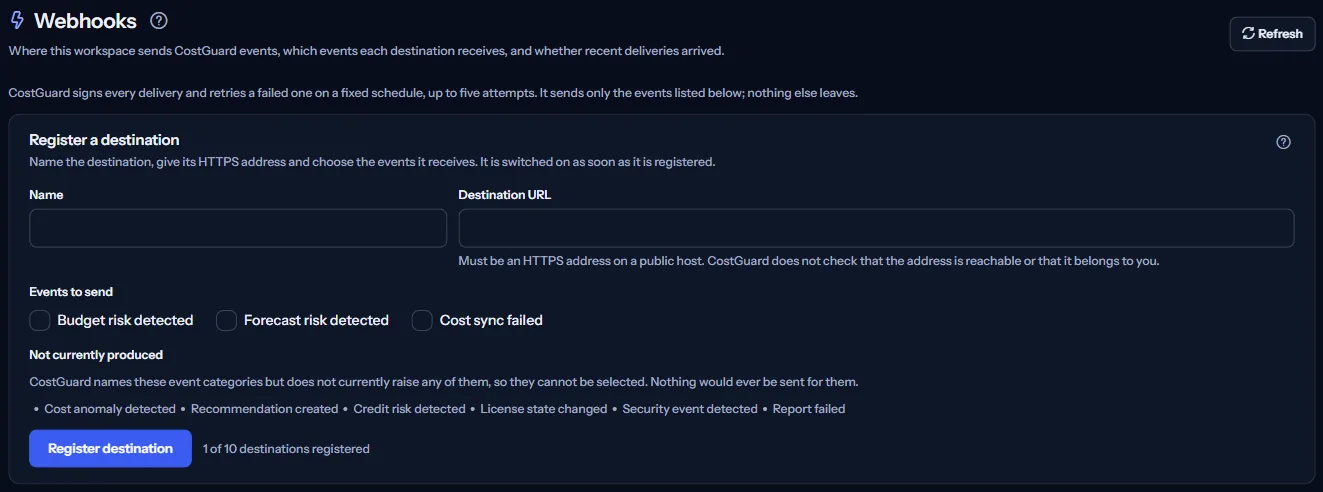
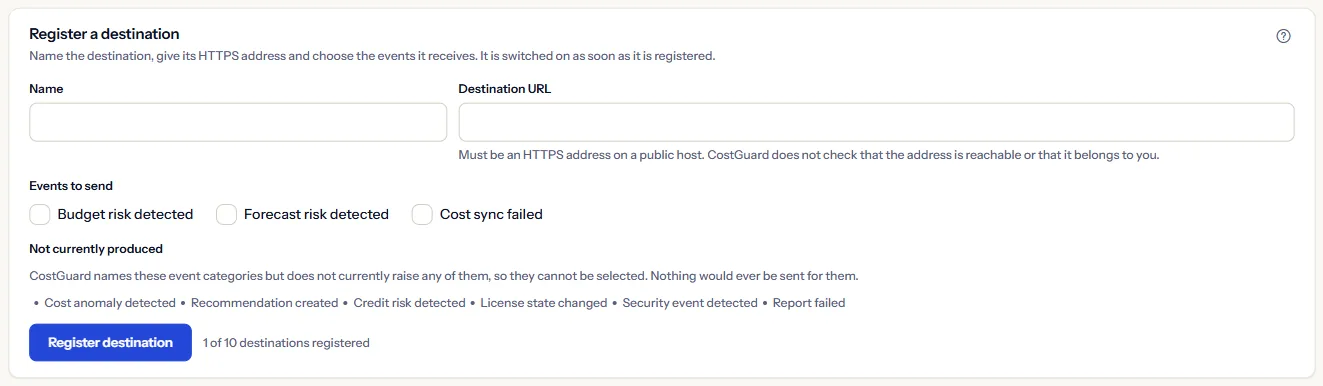
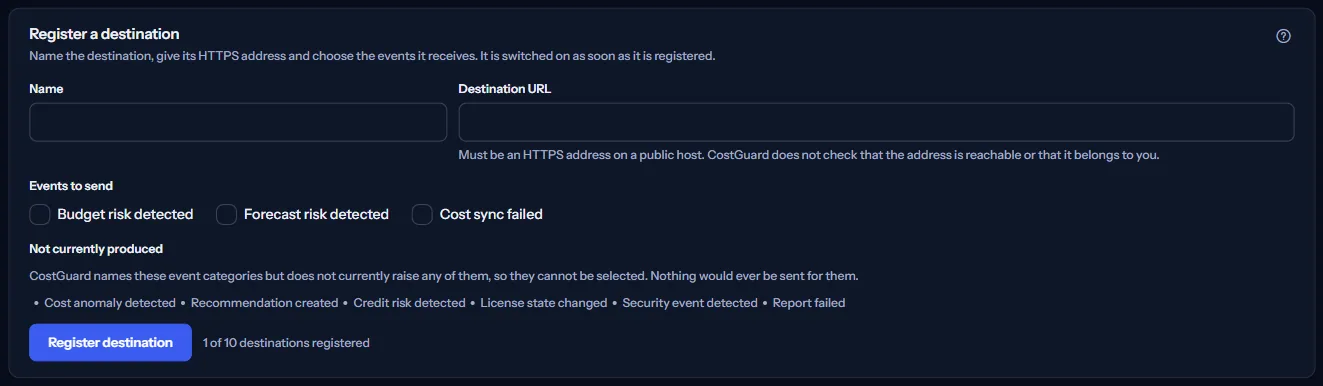
In “Register a destination”, fill in:
- “Name”: a short, plain name you will recognise in the lists.
- “Destination URL”: Must be an HTTPS address on a public host. CostGuard does not check that the address is reachable or that it belongs to you.
- “Events to send”: Budget risk detected, Forecast risk detected and Cost sync failed, the three events CostGuard produces today.
Under “Not currently produced” the page names the other event categories, which cannot be chosen: CostGuard names these event categories but does not currently raise any of them, so they cannot be selected. Nothing would ever be sent for them.
“Register destination” switches the destination on at once. A workspace may register up to ten destinations; the panel counts how many are used.
The signing secret
When a destination is registered, the page shows its “Signing secret” once. Copy this now. It is shown once and cannot be shown again; if you lose it, issue a new one, which stops the old one working.
Every delivery carries an X-CostGuard-Signature header, an HMAC-SHA256 signature made with the destination's signing secret, and an X-CostGuard-Timestamp header. Your receiver checks the signature before it trusts the request.
“Issue a new secret” asks first: the current secret stops working at once, and your receiver refuses deliveries until it has the new one.
Registered destinations
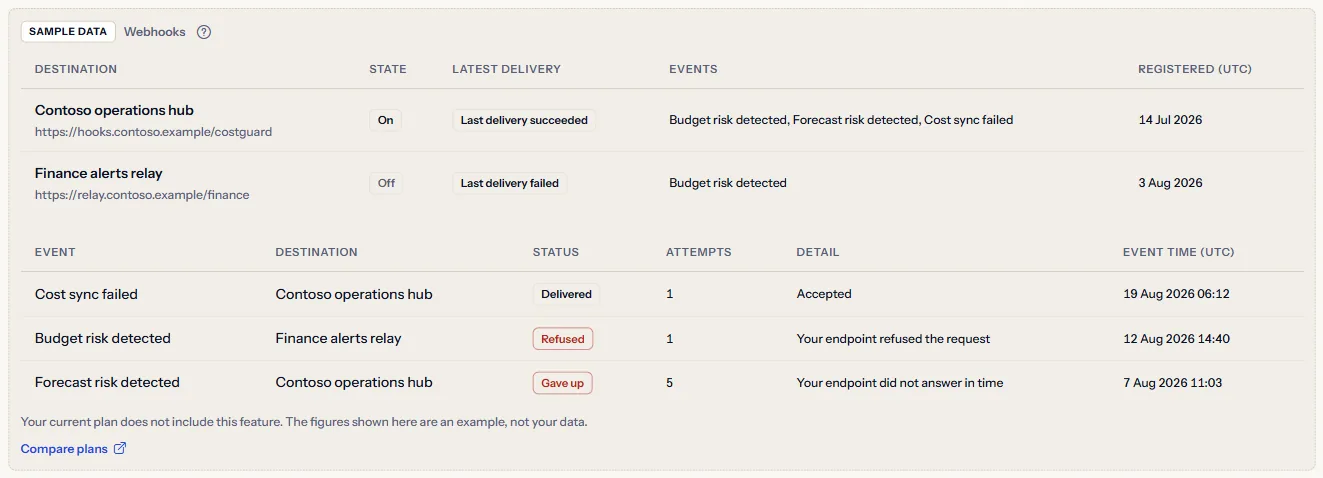
“Registered destinations” lists each destination with the events it receives, “State”, “Latest delivery” and “Registered (UTC)”. Its actions:
- “Switch off” and “Switch on”: While a destination is switched off, no new delivery is made for it; a delivery that was already waiting is sent once it is switched on again.
- “Issue a new secret”: see the signing secret above.
- “Remove”: It is removed with its signing secret, and nothing more is sent to it.
Switching off, issuing a new secret and removing each ask for confirmation first; switching on happens at once.


Recent deliveries
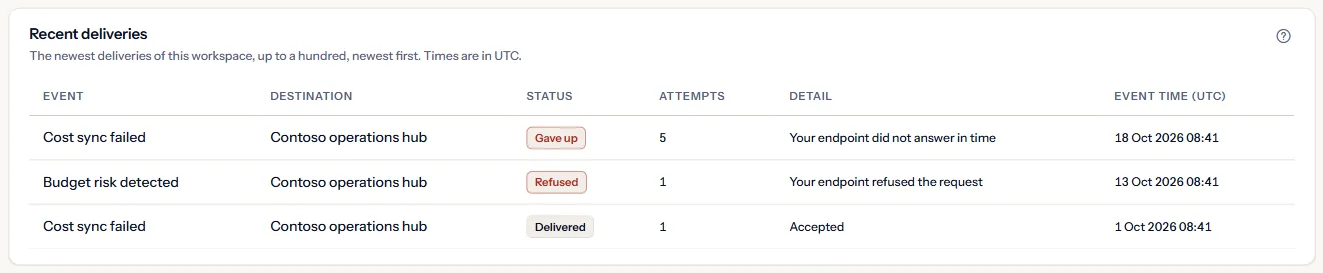
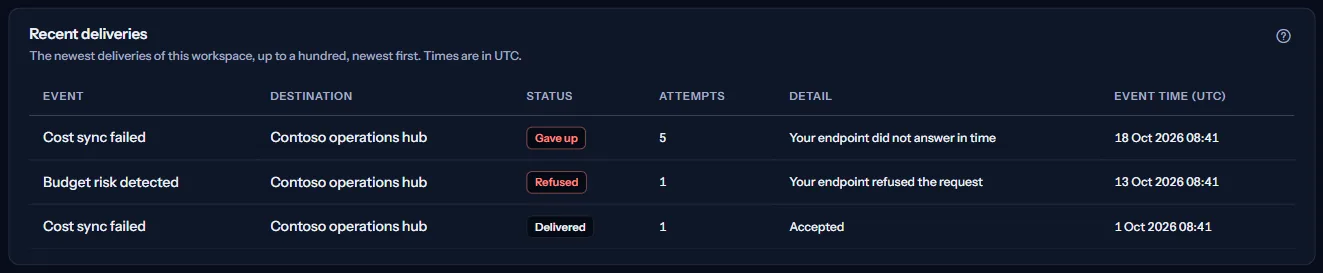
The newest deliveries of this workspace, up to a hundred, newest first. Times are in UTC. Each delivery has a status:
- “Delivered”: your endpoint accepted it.
- “Waiting”: it will be tried, or tried again on the fixed schedule.
- “Refused”: your endpoint refused it, or the address may not be called; it is not tried again.
- “Gave up”: five attempts were made without your endpoint accepting it in time.
“Attempts” counts the tries, and “Detail” says in plain words what happened, such as “Your endpoint did not answer in time” or “Your endpoint refused the request”. A delivery to a destination removed since shows “A removed destination”.
How webhooks work
A delivery your endpoint did not accept in time is tried again after one, five, fifteen and sixty minutes, five attempts in all; after the fifth it shows as “Gave up”. A delivery your endpoint refused, or an address CostGuard may not call, is not tried again.
The events carry the same alerts the workspace raises on “Alert rules”; an event is sent only when such an alert is raised.
Webhooks are separate from email and in-app alerts: “Notification Settings” decides those, and “Alert delivery history” lists them.
What you may see instead of figures
While the page reads, grey bars stand where the panels will appear. After that, the page may show one of these instead:
- “Registered destinations could not be read”: This is not a statement that the workspace has none. Try again.
- This workspace has not registered a destination.
- “Recent deliveries could not be read”: This is not a statement that nothing was delivered. Reload the page to try again.
- CostGuard could not confirm whether this change was saved. The list below shows what the workspace now has.
When your plan does not include webhooks
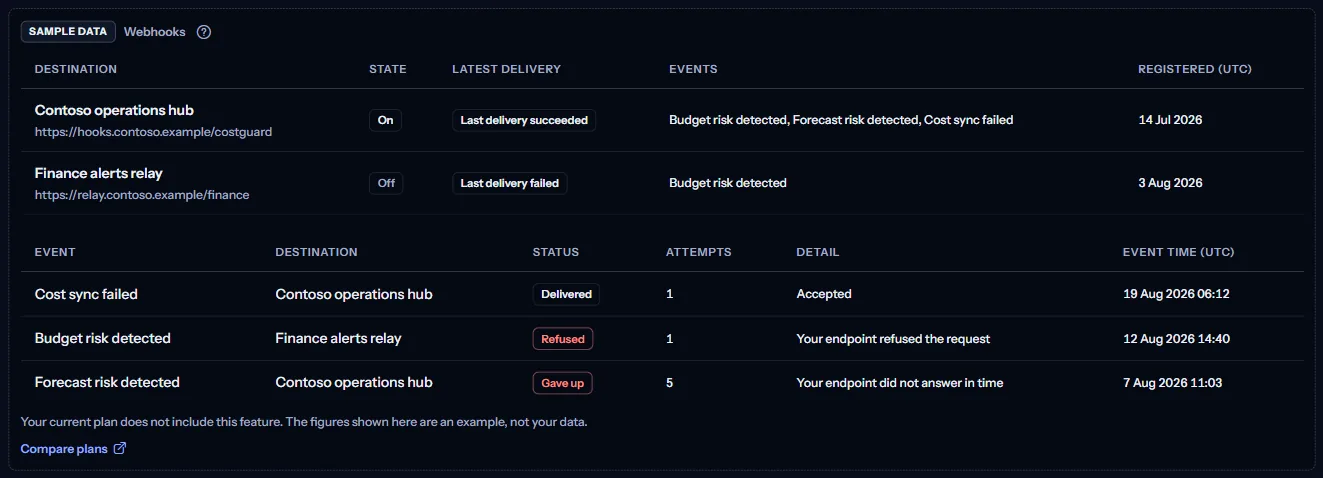
On Free, Starter and Growth, the page shows a fixed example under the label “Sample data”, with the sentence “Your current plan does not include this feature. The figures shown here are an example, not your data.”
The sample shows invented destinations and deliveries, with no button, no secret and no address of yours.
“Compare plans” opens the pricing page in a new tab. CostGuard decides what your plan includes on the server; the sample is only how the page shows it.
What each plan includes
The table shows the first plan that includes each part of the page. Every plan above it includes it too.
| Feature | Free | Starter | Growth | Pro | Enterprise |
|---|---|---|---|---|---|
| A labelled sample of the page | Included | Included | Included | Included | Included |
| Registering destinations and sending events | Not included | Not included | Not included | Included | Included |
Pro and Enterprise include webhooks; Free, Starter and Growth show the labelled sample. The plan is checked on the server, and the page never shows a price.
Troubleshooting
My receiver rejects the signature
The receiver holds an old or mistyped secret. Issue a new secret, store it in your receiver at once, and check that the signature is computed over the request as it was received.
Deliveries show “Gave up”
Your endpoint did not accept in time on any of the five attempts: it was unreachable, too slow or returned an error. Fix the endpoint; new events are delivered once it answers.
The page refuses my address
CostGuard could not use that address. It must be HTTPS, on a public host, and on a standard port. An address with a user name or password in it is refused too.
I cannot register another destination
The workspace has registered ten destinations, the most it may. Remove one you no longer use first.