
Sync history: the cost imports of each connection
How to read the latest import of each connection and the list of import runs, what a failed run means, and how often CostGuard imports cost.
What this page is for
“Sync history” shows whether the cost import of each connection ran, when, and with what result. It answers one question: is the cost CostGuard shows you current?
Open it after you connect a subscription, when a figure seems to stop at an older day, or when “Azure connections” says an import is late or did not finish.
Before you start
Imports start once a subscription is connected on “Connect Azure” and its access has been checked. Until then the page has nothing to show. Every plan includes it.
The latest import of each connection
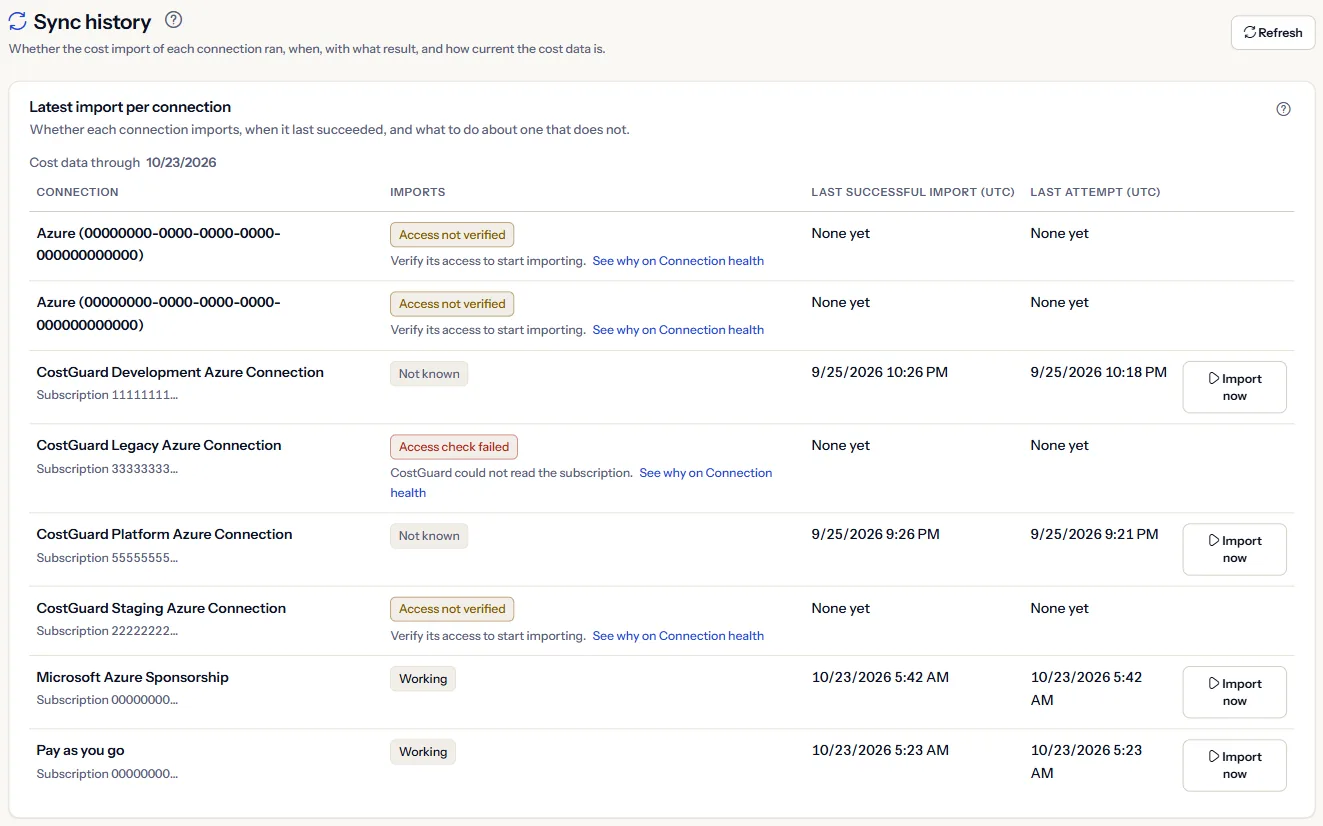
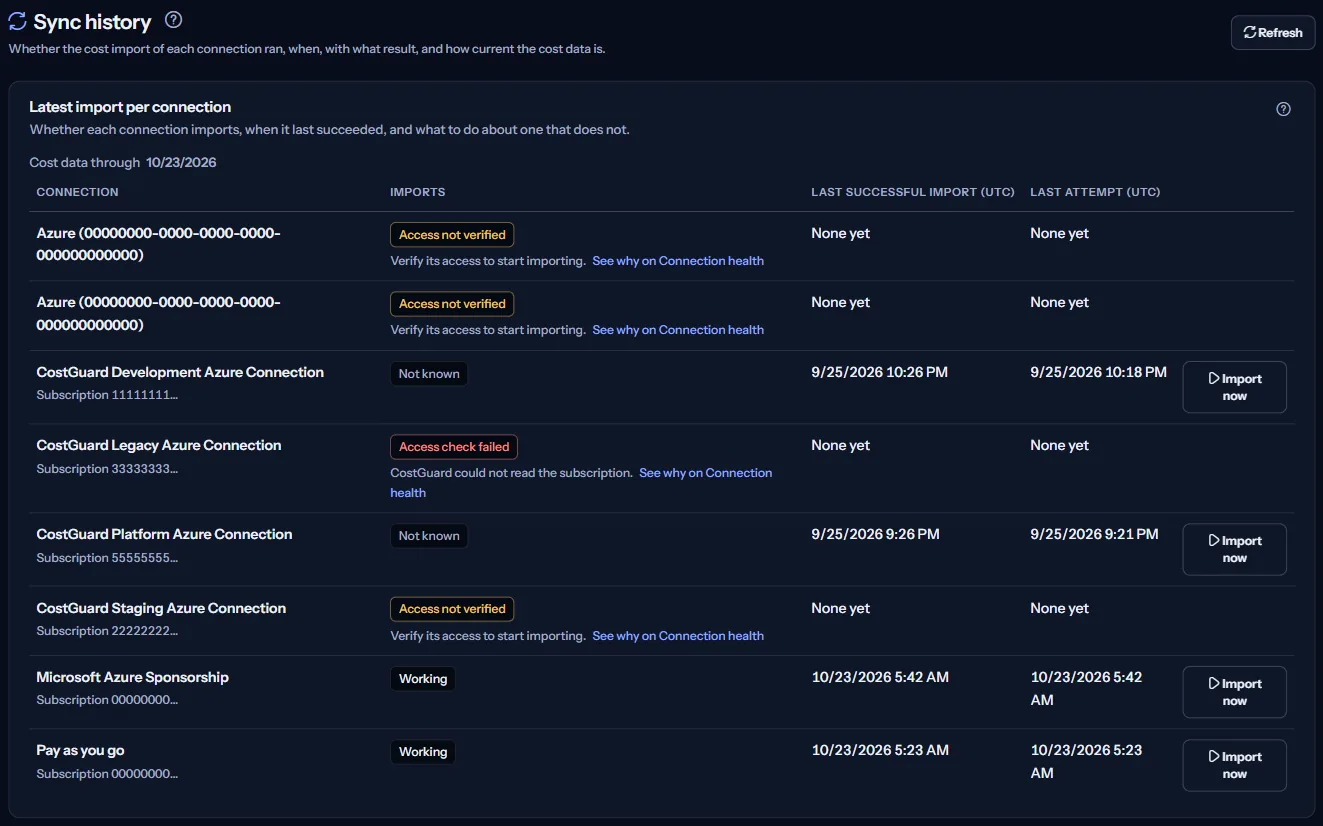
“Latest import per connection” starts with “Cost data through”, the latest day with recorded cost in the workspace. Then each connection has one row:
- “Imports”: “Working”, “Import running”, “No import yet”, “Out of date”, “Import failed”, “Access not verified”, “Access check failed” or “Not known”.
- “Last successful import (UTC)”: when an import of the connection last finished successfully.
- “Last attempt (UTC)”: when an import last started, whatever its result.
- “Actions”: “Import now” for an active connection that is not importing at the moment.
A row whose imports do not work says why and links to “Connection health”, which gives the next action. The states are those of “Azure connections” and “Connection health”, so the three pages agree.
Start an import now
“Import now” asks CostGuard to import the cost of that connection at once, instead of waiting for the next scheduled import. The row then says one of:
- “Import started. Refresh in a few minutes to see it in the list.”
- “An import of this connection is already running, so nothing new was started.”
- “The import could not be started. Try again later.”
This is a real import from Azure, and it appears in the list like any other run. It is offered only for an active connection.
The first import of a new subscription
When a subscription is connected, CostGuard also imports the three full months before the current one, one month at a time. Each of those months appears in the list as an import run of its own.
While that happens, the page shows “Importing your cost history” above the list.
The list of import runs
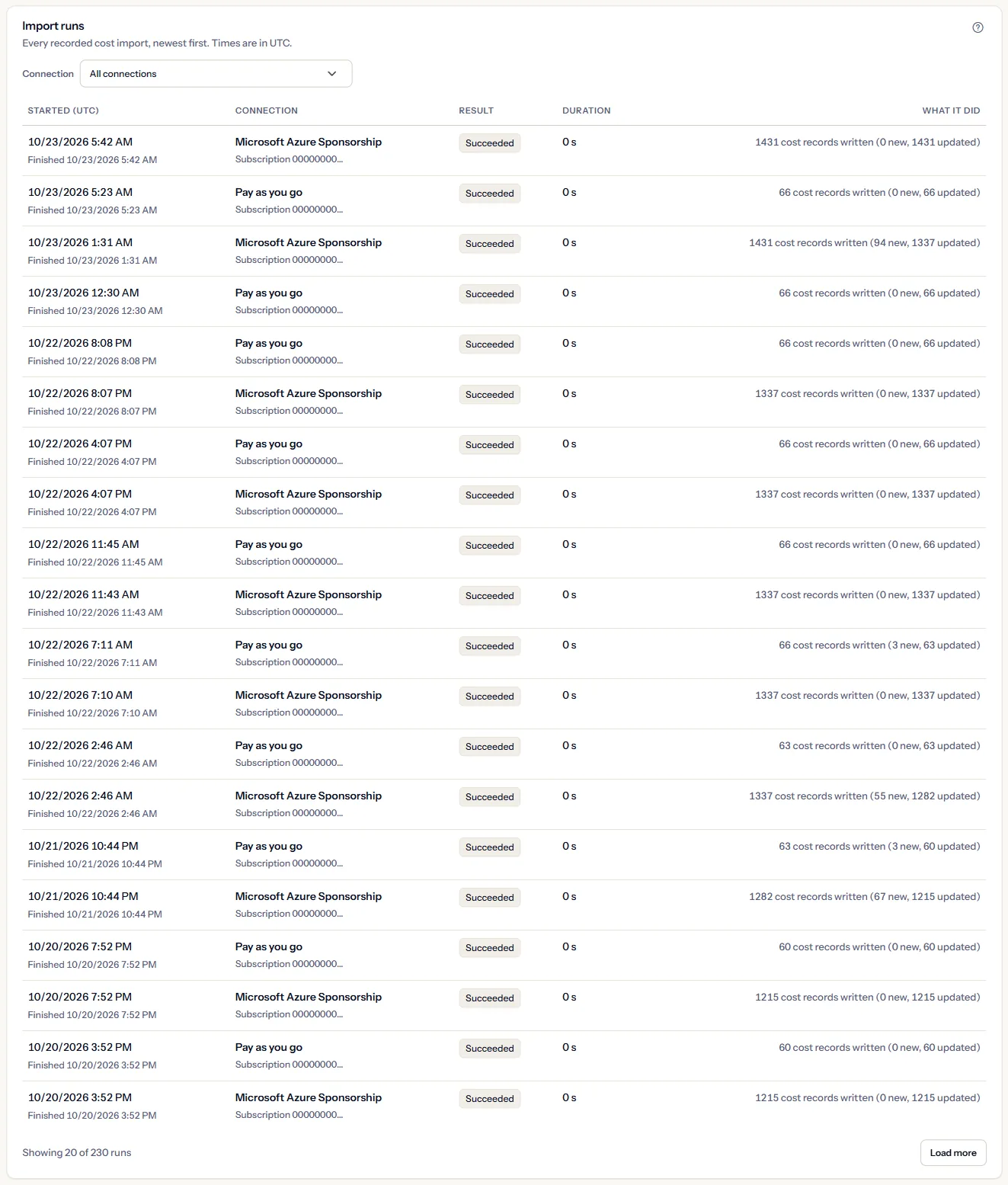
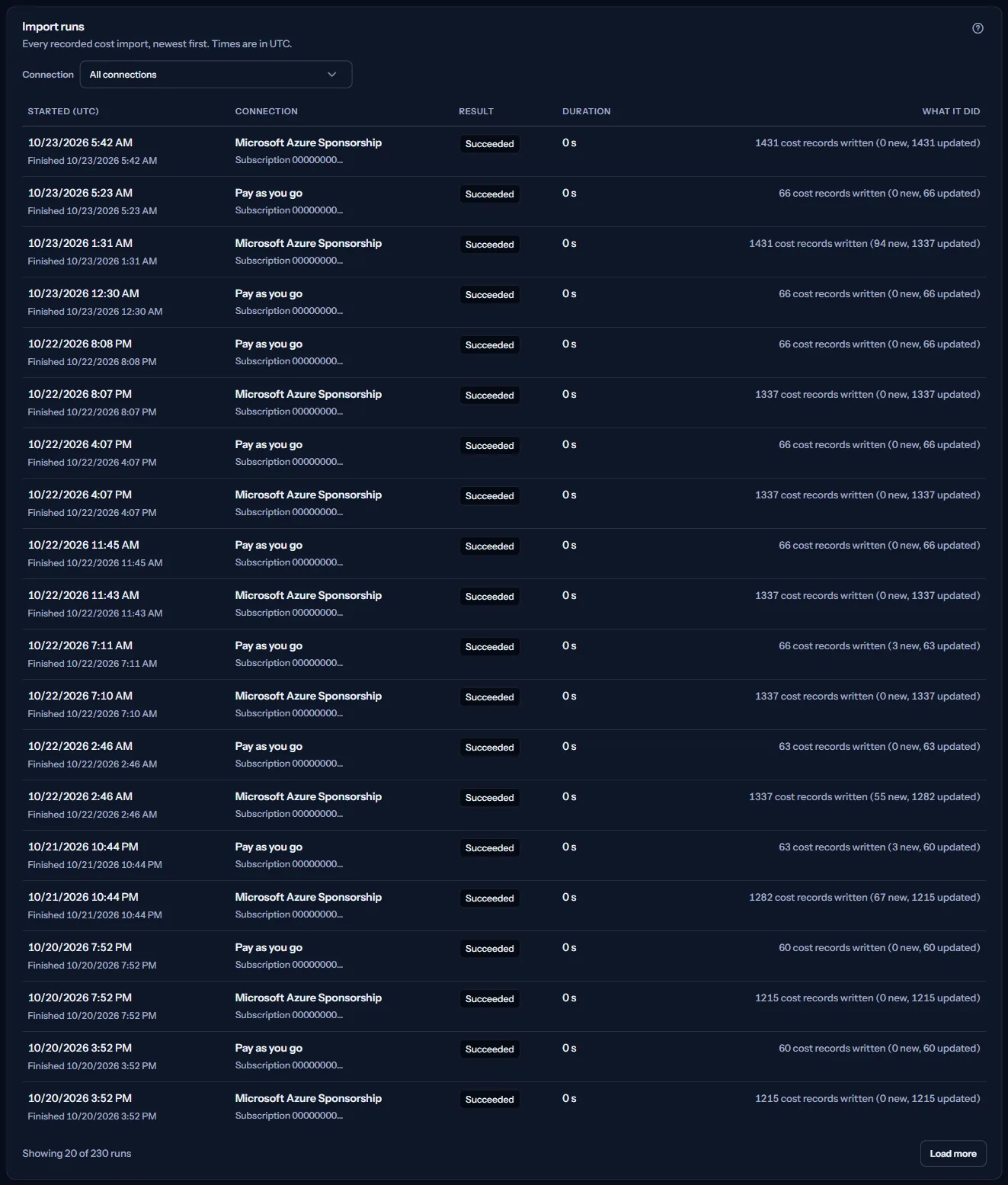
“Import runs” lists every recorded import, newest first, with times in UTC:
- “Started (UTC)” and “Result”: “Succeeded”, “Failed” or “Running”.
- “Duration”: how long the import took.
- “What it did”: how many cost records the import wrote, split into new and updated ones. An import that found nothing new writes none.
- “Connection”: show the runs of one connection, or “All connections”. The filter is applied by CostGuard's server, so it covers every run, not only those already loaded.
“Load more” reads the next, older runs. A run of a connection that was disconnected since then shows “Removed connection”.
A failed run
A failed run says only “The import did not finish.” Error details from Azure never appear in CostGuard.
“Connection health” shows the kind of problem CostGuard recorded, for example an access problem or a temporary one, and what to do next.
How imports work
CostGuard imports the cost of each active connection on its own. A new import starts once enough time has passed since the last successful one; how long depends on the plan:
- Free and Starter: every 24 hours.
- Growth: every 12 hours.
- Pro: every 6 hours.
- Enterprise: every 4 hours.
Azure publishes cost a day or two late, so the latest day with recorded cost is usually yesterday or the day before, however often CostGuard imports.
Go further
The links at the bottom of the page lead on:
- “Azure connections”: See every connection and verify access to one that needs it.
- “Connection health”: See why a connection does not import and what to do about it.
- “Cost overview”: See the cost the imports brought in.
- “Plan and usage”: See how often your plan imports cost.
What you may see
Instead of the lists you may see:
- “Loading…” while the imports are read.
- “No import has run yet” before the first import, or “This connection has no recorded import run yet.” for a filtered connection.
- “The import runs could not be loaded. Try again.” with “Try again” when the runs could not be read.
- “The latest import of each connection could not be read. The run list below is still shown; refresh to try again.”
- A notice that your session has expired, after CostGuard tried once to sign you in again.
What each plan includes
The table shows the first plan that includes each part of the page. Every plan above it includes it too.
| Feature | Free | Starter | Growth | Pro | Enterprise |
|---|---|---|---|---|---|
| The “Sync history” page | Included | Included | Included | Included | Included |
Every plan includes this page. The plan decides how often cost is imported, as listed above; “Plan and usage” shows your plan.
Troubleshooting
The list is empty after connecting
Imports start only once the connection's access has been checked. If “Azure connections” shows the connection as “Awaiting verification”, verify its access there; the first import follows.
Imports keep failing after a new connection
The most common cause is that the Reader role is missing on the subscription in Azure, or was removed. “Connection health” says whether CostGuard recorded an access problem.
The cost stops two days ago
That is usually Azure's own delay, not a problem with the import. A row in “Latest import per connection” that shows “Out of date” or “Import failed” is a problem; follow its link to “Connection health”.
Import now starts nothing
An import of that connection is already running, and CostGuard says so: “An import of this connection is already running, so nothing new was started.” Refresh in a few minutes to see it in the list.