
Reservations and savings plans: your register
Keep a register of the reservations and savings plans you hold, see which end soon and whether each renewal is decided, and review use from your own figures.
What this page is for
The “Reservations and savings plans” page answers: which commitments do we hold, which end soon, and is each renewal decided? Whoever looks after Azure commitments, often finance or the engineering lead, opens it before an end date passes.
Every row is typed by someone in your workspace. CostGuard reads no reservation, savings plan or billing configuration, so nothing here is confirmed against Azure, and the page never buys, renews, exchanges or cancels anything.
Before you start
The register is part of the Pro and Enterprise plans; other plans see a labelled sample. It needs no Azure connection: copy the facts of each commitment from the Azure portal.
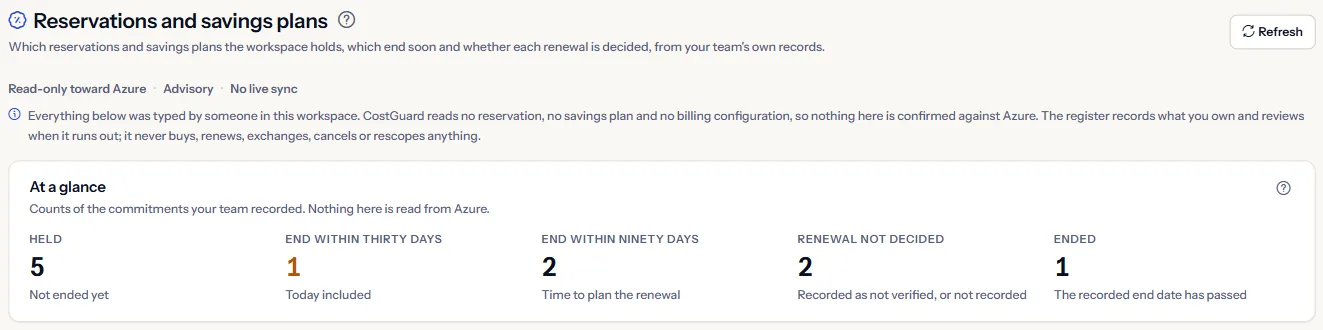
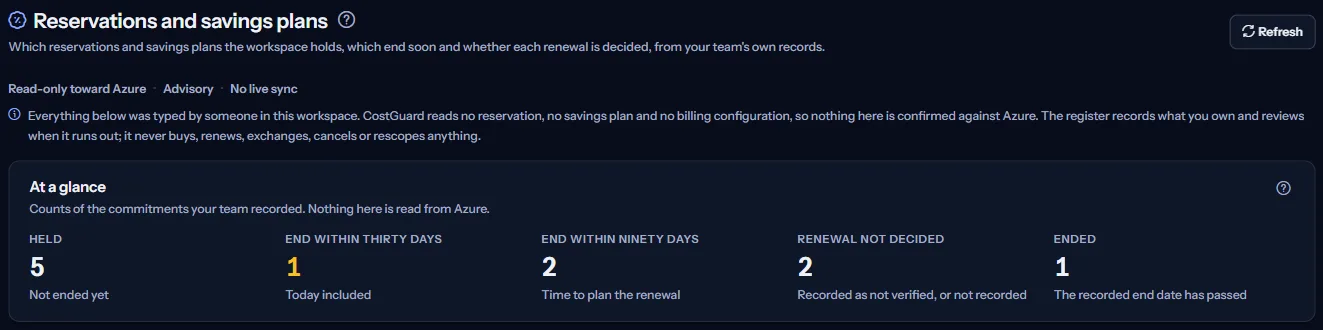
At a glance
Five counts of the rows your team recorded:
- “Held”: commitments that have not ended yet.
- “End within thirty days”: those ending in 30 days or fewer, today included. When there are any, the count is in the warning colour.
- “End within ninety days”: those ending in 90 days or fewer, the time to plan the renewal.
- “Renewal not decided”: commitments not ended yet whose renewal is undecided or was never recorded.
- “Ended”: those whose recorded end date has passed.
The counts appear once the register holds a row. Nothing in them is read from Azure.
Register
The register has one row per commitment, the soonest end first and ended commitments last. Each row shows its name, kind and term, when it ends with the days left, the renewal as you recorded it, and when it was last reviewed.
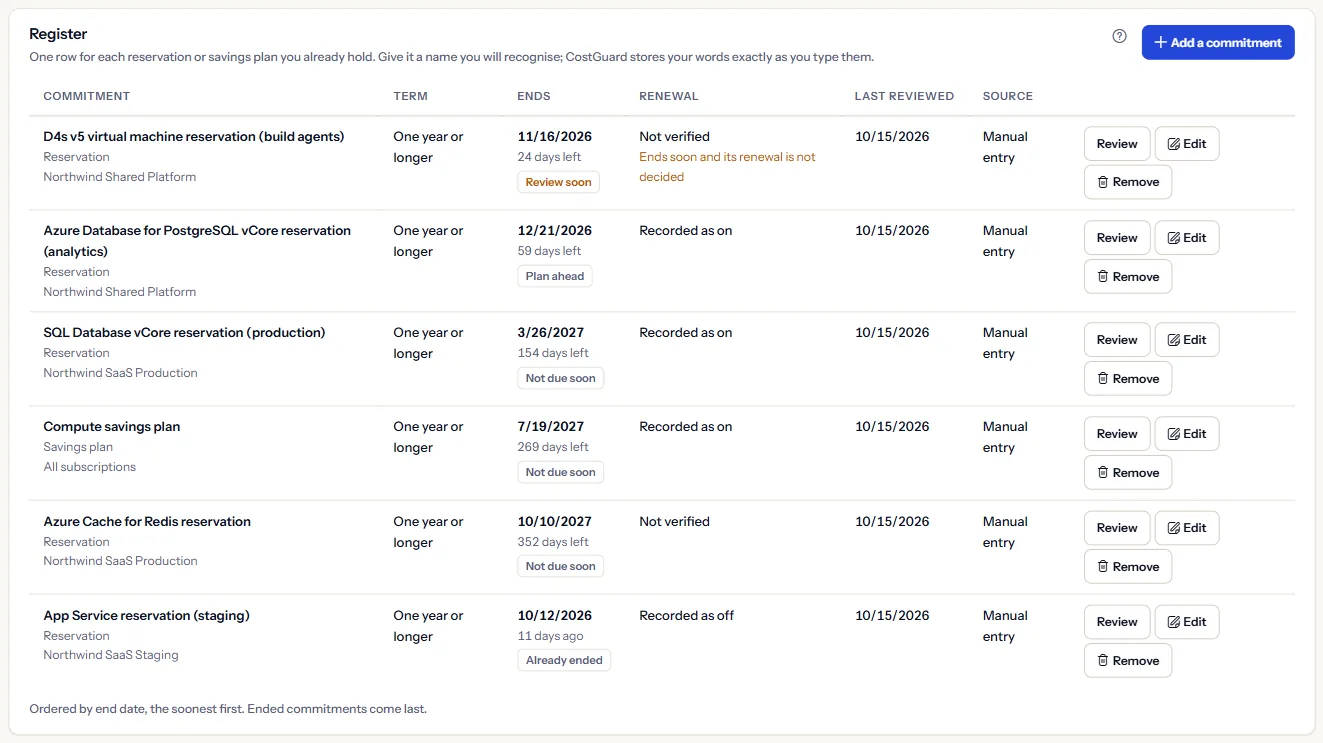
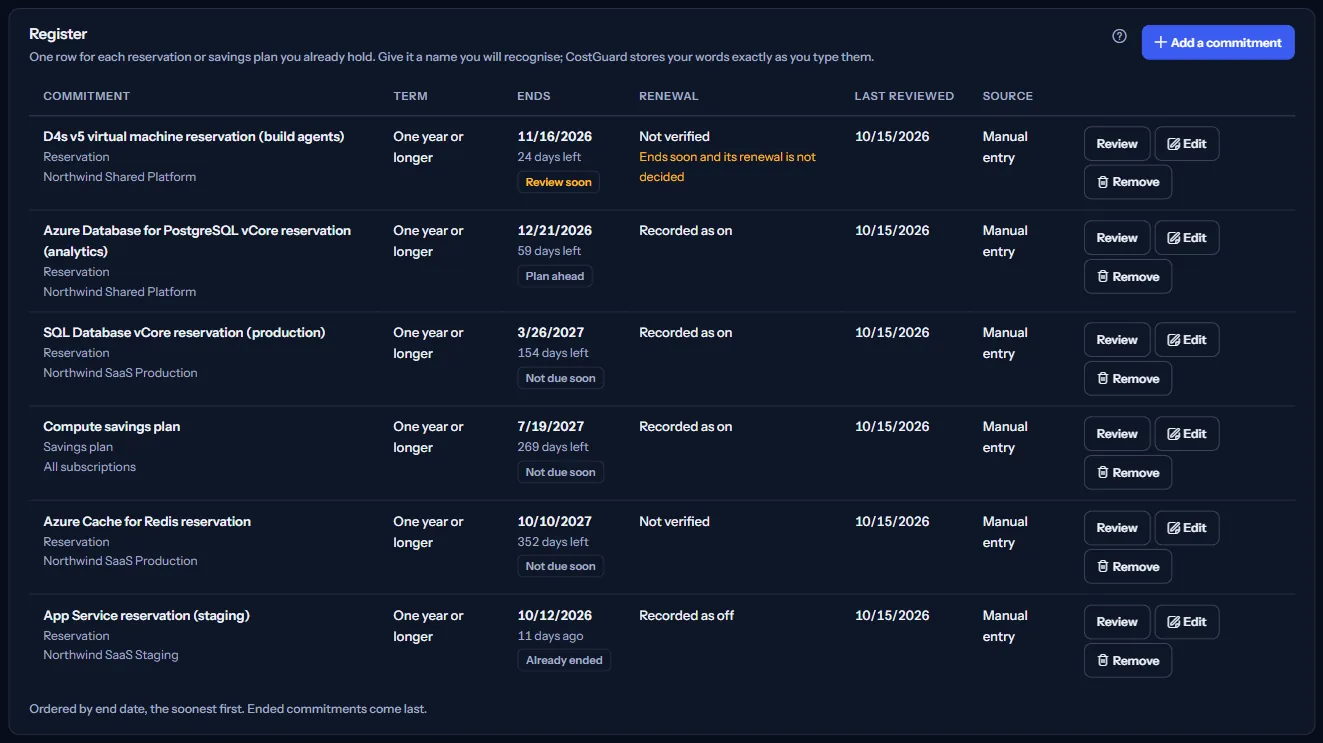
A row ending within 30 days whose renewal is not decided gets one more mark: “Ends soon and its renewal is not decided”. It is the only other place the page uses the warning colour; nothing is green.
“Review” opens the review of a row, “Edit” changes it, and “Remove” takes it out of the register.
Record a commitment
“Add a commitment” opens a form in three groups:
- “What it is”: the kind, a name you will recognise, the scope in your words, the term, and where the facts came from.
- “Dates and renewal”: the start and end dates, the renewal as you recorded it, and when you last reviewed it. A name and an end date are required.
- “Measured use, optional”: a measured period with reserved and used hours, or a recorded and used quantity.
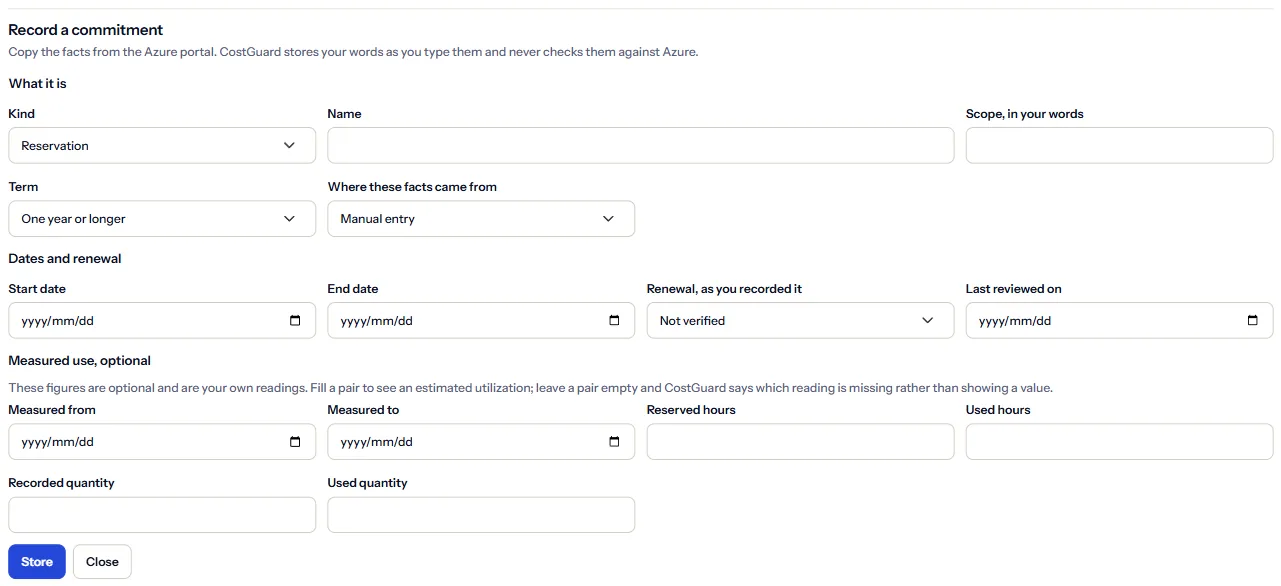
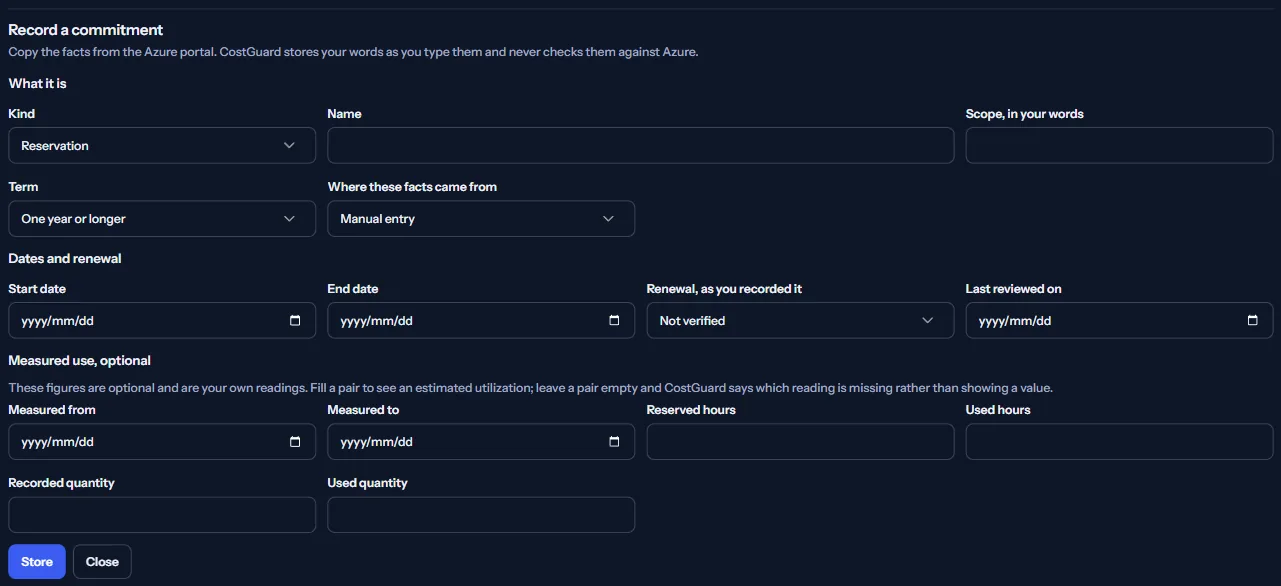
The form checks your entries and says what is wrong in plain words: the start comes before the end, measured dates come in pairs, and used hours or quantity cannot exceed what was reserved or recorded. Two commitments cannot share a name.
If someone changed a row after you opened it, nothing is stored and the register is read again, so no one's change is overwritten.
Review
The review of a row shows its expiration, the measured period, and the use worked out from the figures you recorded:
- “Estimated utilization”: used hours divided by reserved hours.
- “Estimated unused share”: the share of the reserved hours that was not used.
- “Estimated used quantity share”: the used quantity divided by the recorded quantity.
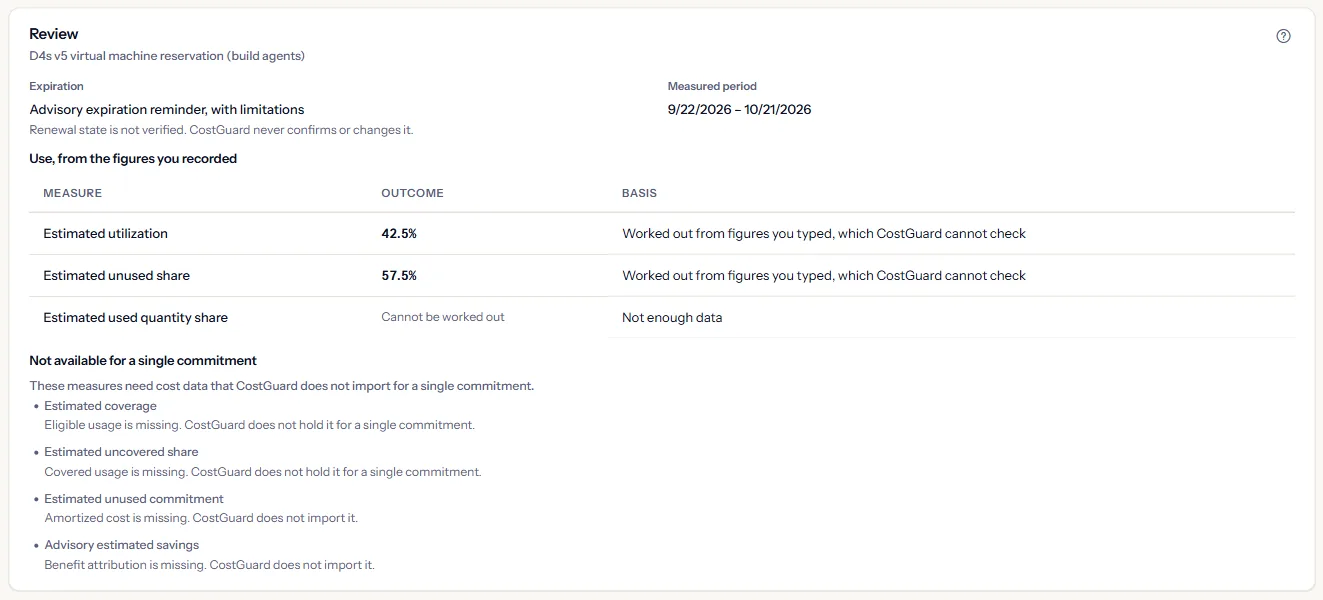
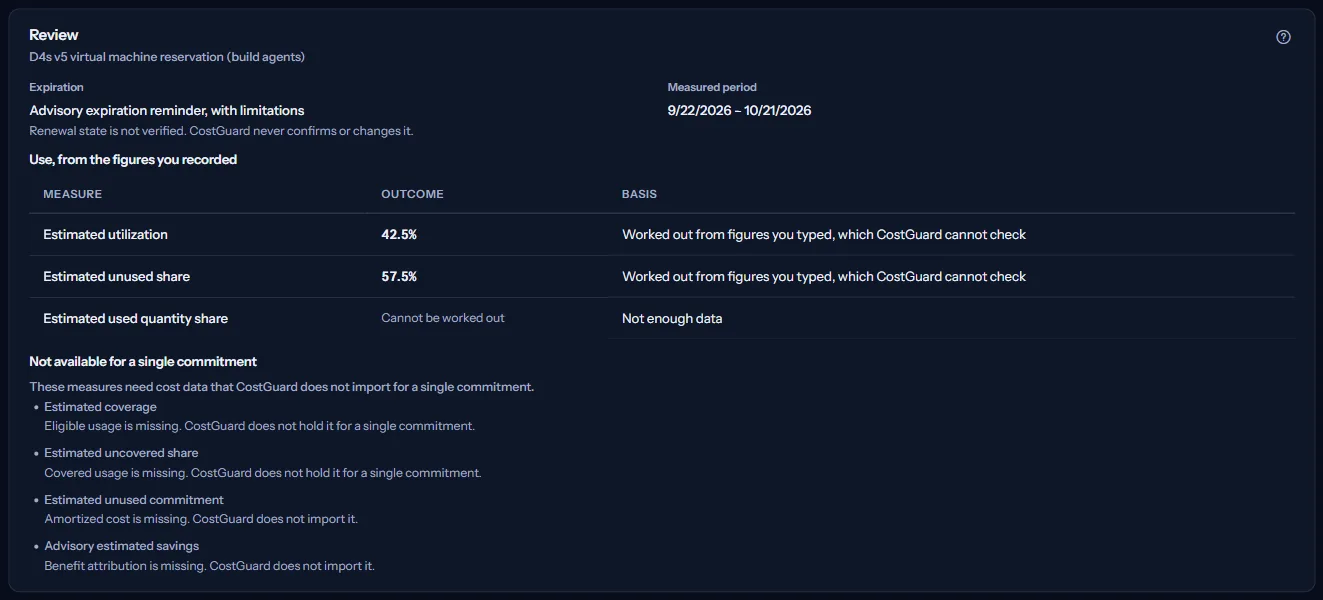
Measures that need amortized cost, eligible or covered usage, or benefit attribution are named once under “Not available for a single commitment”: CostGuard does not import that data for a single commitment. A measure with nothing to divide shows no figure, never a zero.
Remove a row
“Remove” asks first. “Remove from the register” removes the row from CostGuard only; nothing changes in Azure. “Keep it” keeps it.
What this page does not do
The panel at the bottom of the page lists what the register does not do. In short:
- Rows come from manual entry or an export you provide; CostGuard reads nothing about commitments from Azure.
- It takes no action: no purchase, renewal, exchange, cancellation or change of scope.
- Figures are compared only over the same period, and amounts in two currencies are never added.
- CostGuard does not check Microsoft's own expiry notifications; treat the reminders here as your own, and review in the Azure portal before you act.
Go further
The links at the bottom of the page lead on:
- “Track Azure credits”: when each Azure credit runs out.
- “Review savings opportunities”: the recommendations that carry an estimated value.
- “Read the cost of each service”: the cost recorded for each service.
- “Open the Azure portal”: where commitments are bought, renewed and exchanged, in a new tab.
What you may see instead of figures
While the page reads, grey bars stand where the register will appear. After that, the page may show one of these instead:
- “No workspace selected”: choose a workspace at the top of the application.
- “The register could not be read”: the register could not be read, which is not the same as a workspace with no commitments. “Try again” reads it again.
- An empty register: “The register is empty. Add the commitments you already own to see when each one runs out.”
- An expired session: CostGuard sends you to sign in once, then shows a notice with a sign-in link instead of the register.
- A refused change: the reason in the page's own words, and nothing stored.
Sample data when your plan has no register
On Free, Starter and Growth the page shows a fixed sample under a “Sample data” label: counts and rows of an example register, with no action.
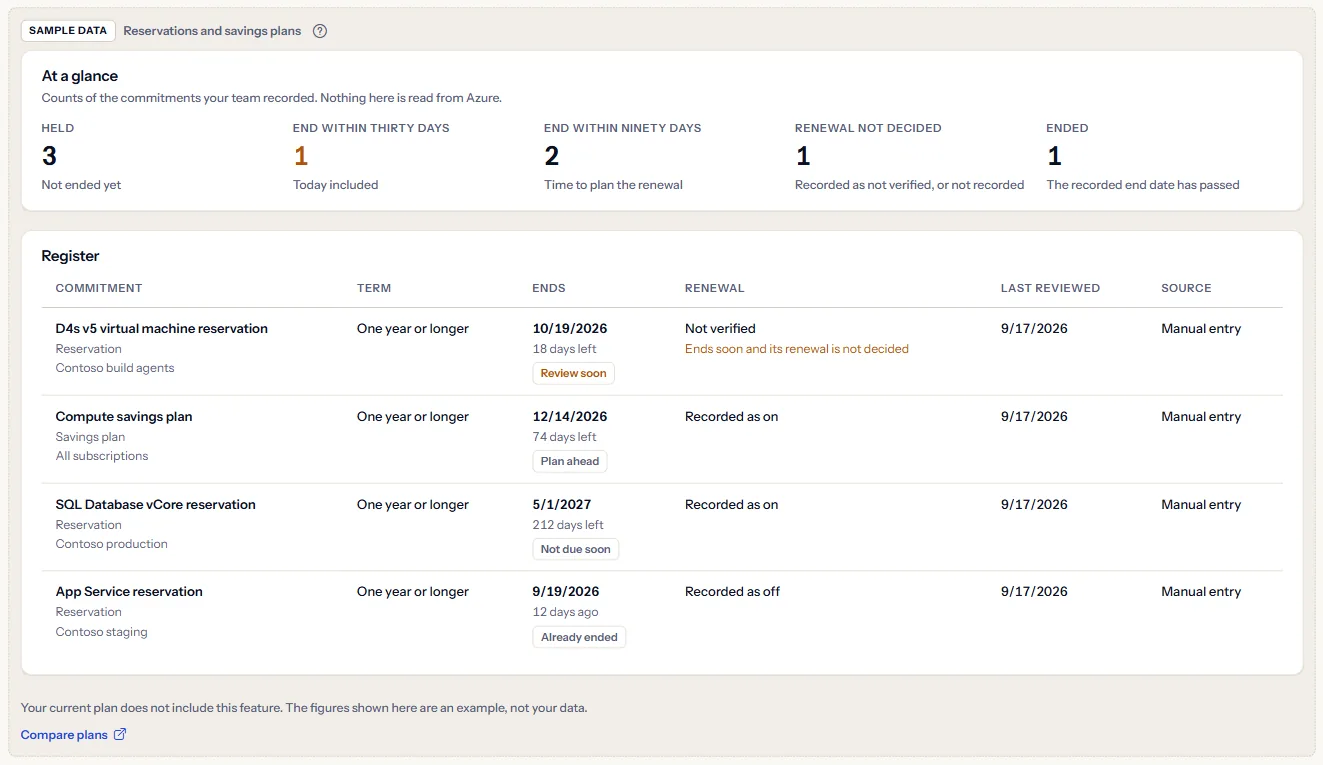
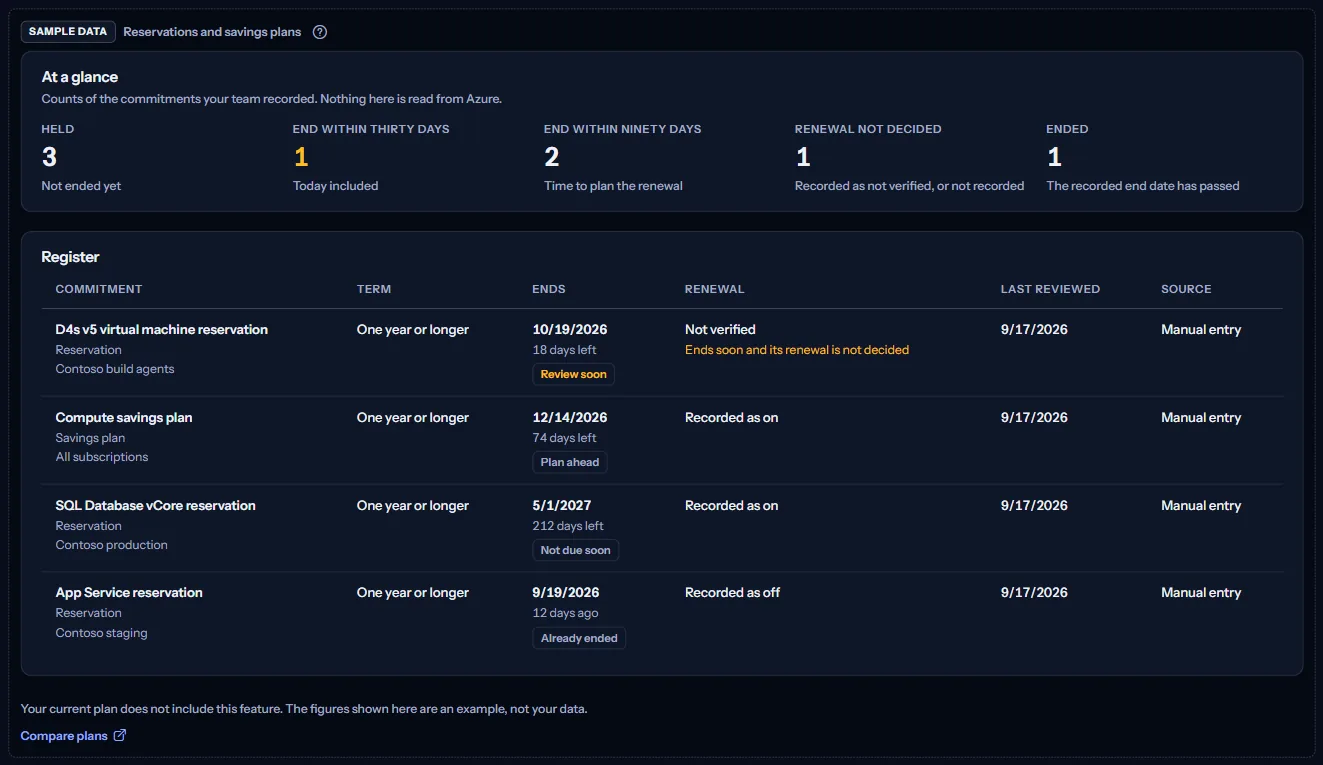
“Compare plans” opens the pricing page in a new tab. CostGuard decides what your plan includes on the server; the sample is only how the page shows it.
What each plan includes
The table shows the first plan that includes each part of the page. Every plan above it includes it too.
| Feature | Free | Starter | Growth | Pro | Enterprise |
|---|---|---|---|---|---|
| A labelled sample of the page | Included | Included | Included | Included | Included |
| Your own register of commitments | Not included | Not included | Not included | Included | Included |
Pro and Enterprise include the register; Free, Starter and Growth show the labelled sample. The plan is checked on the server, and the page never shows a price.
Troubleshooting
A commitment we hold is not in the register
CostGuard does not read commitments from Azure. Add it with “Add a commitment”, copying the facts from the Azure portal.
A measure shows no figure
It needs a pair of figures you did not record, or data CostGuard does not import for a single commitment. The review names the missing reading.
My change was not stored
Someone changed the row after you opened it, or another row already has the name. Open the row again and repeat your change.
The page is not in the sidebar
The sidebar lists it in “Advanced” mode only. Choose “Advanced” at the top of the sidebar; the page's address opens in either mode.